
SOP, Process & Machinery Workflow Documentation
Visual documentation for production lines, equipment operation, compliance procedures, audits and training.
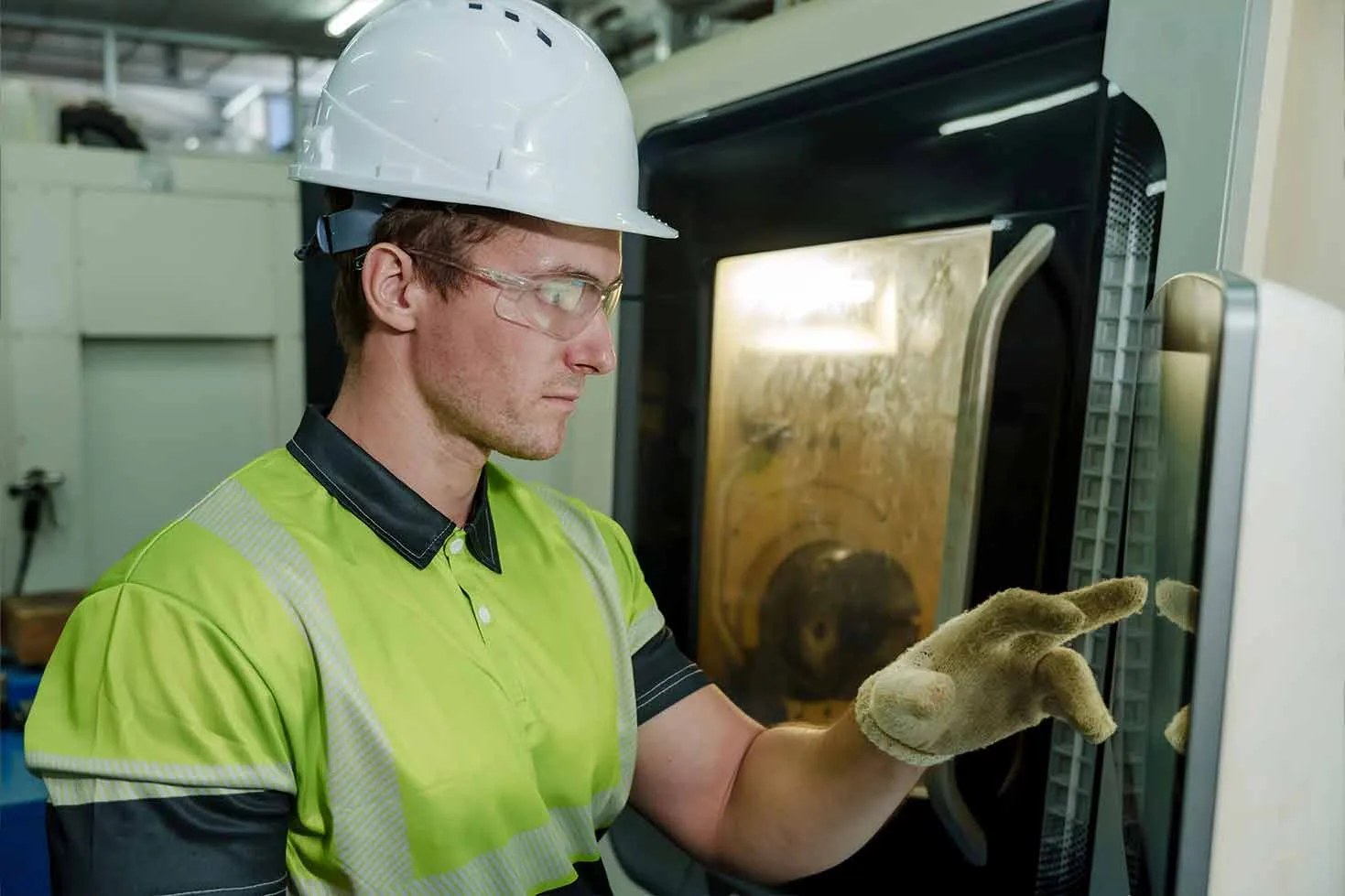
What Process & Machinery Workflow Documentation includes
- Industries: manufacturing, engineering, food processing, packaging, industrial maintenance, equipment operation.
- Use cases: SOP libraries, audit preparation, internal training, maintenance guides, quality assurance, process change communication.
- Deliverables: workflow videos, step-by-step photos, SOP visual assets, machinery operation footage, process stills, training module clips.
Visual documentation for production lines, equipment operation, compliance procedures, audits and training. If the brief points to a wider safety, training & worksite communications sydney need, Lenscast can also advise on safety induction video production and construction & project progress reporting so the final content set fits the whole worksite story.
Built for active industrial worksites
- Map the workflow with operations, safety, quality or maintenance stakeholders before filming.
- Capture each step clearly, including setup, correct operation, checks, handoffs and shutdown where relevant.
- Create visual assets that help teams repeat the correct process across shifts and locations.
Lenscast worksite communications
SOP, Process & Machinery Workflow Documentation planned around the site, the brief and the final use
Visual documentation for production lines, equipment operation, compliance procedures, audits and training. Lenscast aligns the content with safety, operations, approvals and stakeholder needs so the final asset can be reused after the shoot.
Workflow mapping with operations teams
Map the workflow with operations, safety, quality or maintenance stakeholders before filming.
Step-by-step process video and photos
Capture each step clearly, including setup, correct operation, checks, handoffs and shutdown where relevant.
SOP, audit and training assets
Final assets can include workflow videos, step-by-step photos, SOP visual assets and machinery operation footage.
- SOP, Process & Machinery Workflow Documentation for Sydney industrial and worksite teams
- Content planned around HSEQ, operations and stakeholder requirements
- Final assets can include workflow videos, step-by-step photos, SOP visual assets and machinery operation footage.
What clients receive
- workflow videos
- step-by-step photos
- SOP visual assets
- machinery operation footage
- process stills
- training module clips
Common questions
- Sensitive steps can be filmed for internal-only use and kept out of public marketing assets.
- Documentation can be produced as video modules, still-photo sequences or both.
- Lenscast can align filming to existing SOPs, audit checklists or training material.